


A Trusted Standard
Available For Self-Hosted Subscription
Smart Fields
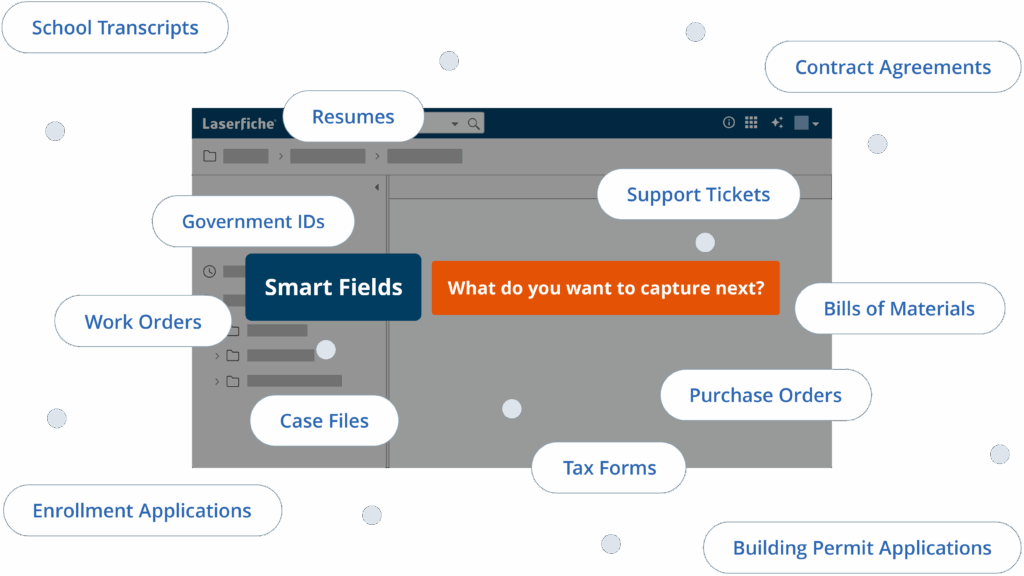
Laserfiche AI-powered Smart Fields is a powerful and flexible intelligent data capture tool that works for virtually any use case—supporting foreign language translation, line-item extraction, handwriting recognition, complex table data, and more.


Available now
Powerful features + AI tools
Customizable AI Integration
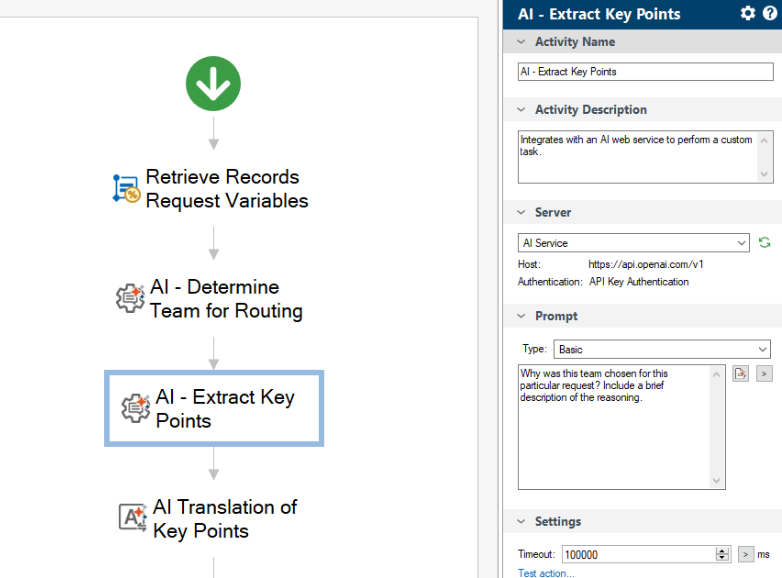
Leverage your own LLM with Workflow.
Automate complex or undefined processes by integrating AI directly into a Workflow activity.
Mobile Forms App
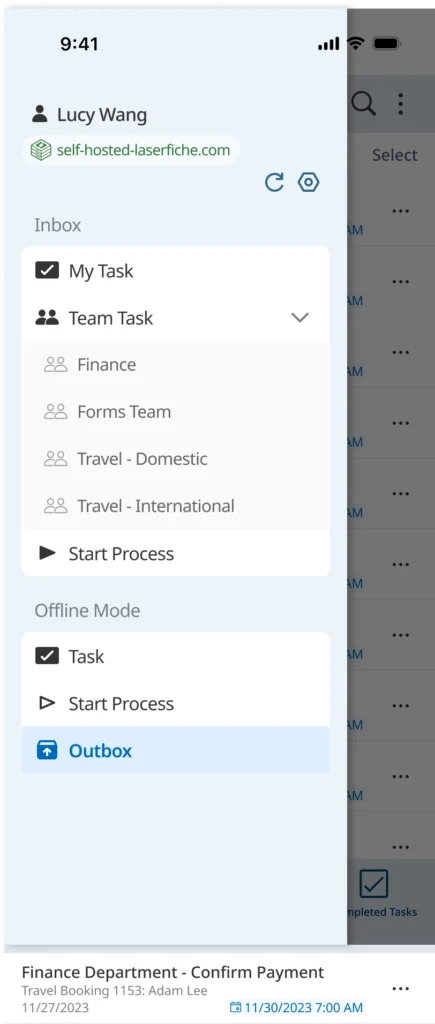
Submit forms and manage tasks from the field.
Enter critical data, kick off processes, and quickly view and manage tasks from anywhere while on-the-go.
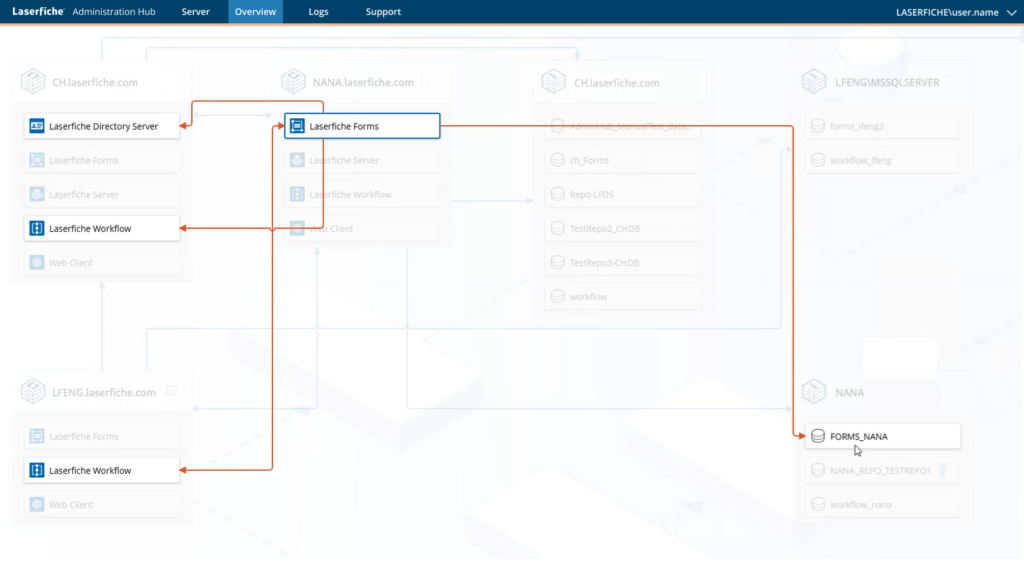
System Admin Hub
Simpler system management.
Get a complete view of your Laserfiche environment in one place, with server connection maps, system metrics, centralized logs, support details and pending updates.
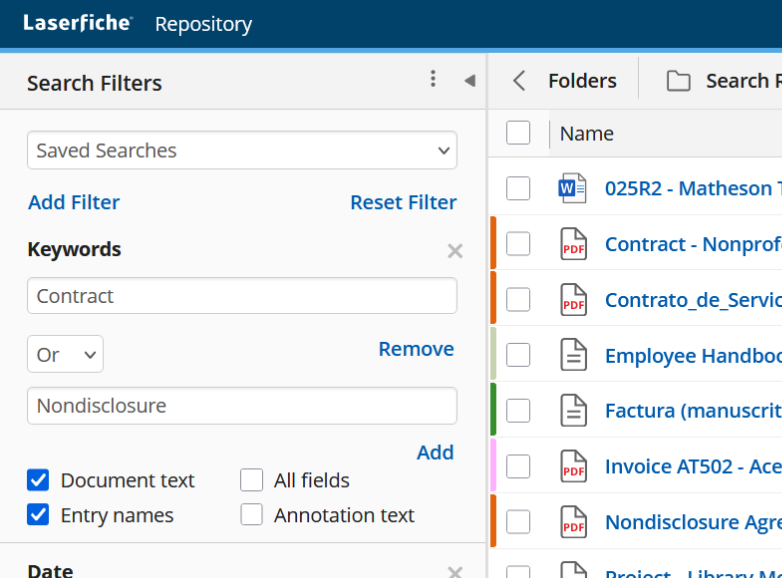
Repository Field Formulas
Master your metadata.
Perform calculations, string manipulation, and logic directly in fields, including AI-extracted data from Smart Fields.
On-demand training webinars
Built for your future business in the Cloud
Laserfiche 12 provides a full-featured solution and strong foundation for your transition to the cloud, and we’re focused on simplifying your self-hosted migration.

Get enhanced tools for large-scale data transfer.

Work seamlessly while data is migrating.
Simplify migrating and deploying your running workflow and processes.
Upgrade Resources
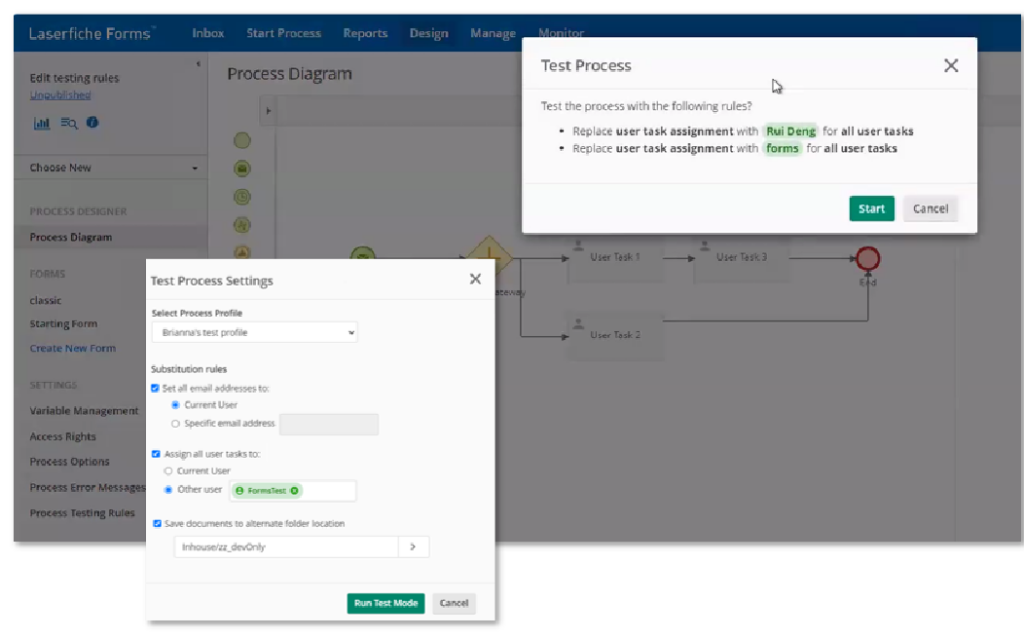
Safely and swiftly test your processes before deployment
Run processes in test mode for faster rollouts without risk to your production data. Test critical processes before you publish to reduce errors and down time. Eliminate the need to alert your team when you are making process improvements. Call Workflows, check that email tasks are working, and save time by manually triggering your timed events to test your process end-to-end.
Spend less time on administration
Reduce the time collecting or locating information to administer or support your Laserfiche system. With the new Admin Hub, easily understand your full environment with a visualization of your server connections; and get detailed system metrics, centralized logging, support details and more.
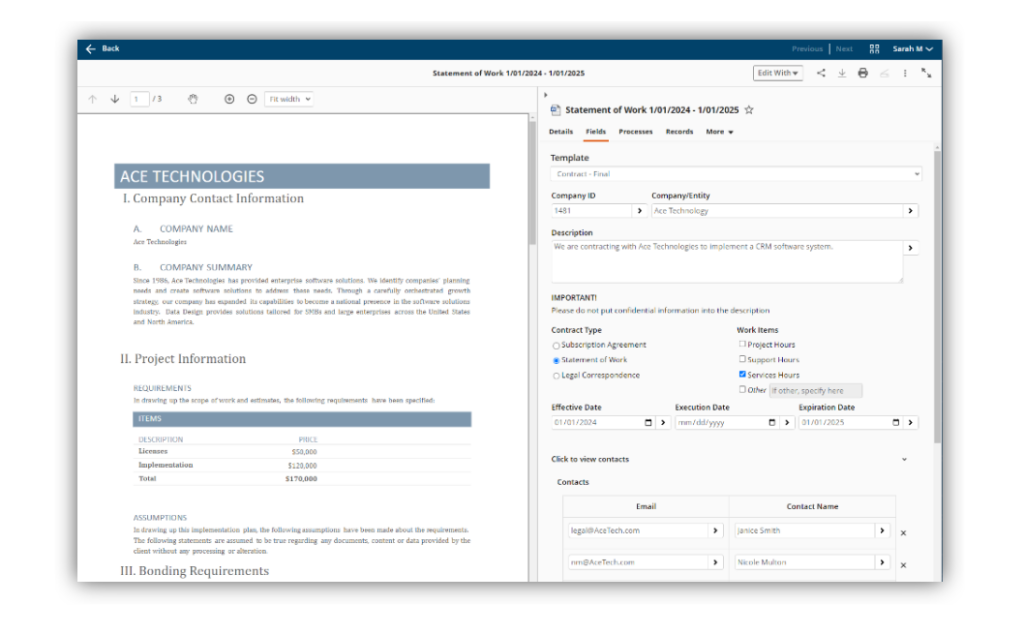
Intuitive data entry and management
Streamline your metadata entry with new checkboxes, radio buttons and display fields based on previous inputs. Use conditional rules and inline static text to guide users to fill out metadata with higher accuracy. Build metadata templates quickly and intuitively with the new visual Metadata Designer to reduce mistakes and improve readability.