


Designed for new users to get caught up on Laserfiche administration basics, this lab-style instructor-led training will provide the foundations necessary to successfully manage, administer, and troubleshoot your Laserfiche system. Topics covered include repository design, metadata administration, repository security and records management, along with repository and task automation.
Enterprise Security
We’re excited to introduce Laserfiche Enterprise Security, a suite of advanced compliance and data protection tools built directly into Laserfiche Cloud as an add-on for qualifying customers. The new add-on is designed to help organizations reduce risk, improve operational resilience and confidently manage their most essential information.
Laserfiche Cloud has always been built on a secure foundation, and Enterprise Security extends that for organizations who may have elevated security and compliance requirements.
For agencies handling Criminal Justice Information and state, local and tribal governments, along with other regulated public entities, Enterprise Security removes a major barrier to cloud adoption with a NIST 800-53–backed, CJIS-ready, GovRAMP-aligned environment.
Key Features:
Enhanced Disaster Recovery
Enterprise Security introduces cross-regional disaster recovery with four-hour snapshots, helping organizations recover faster from regional outages while maintaining data residency requirements. This reduces downtime, improves business continuity and gives IT teams greater confidence that critical services can keep running when they’re needed most.
CJIS and GovRAMP
Enterprise Security includes CJIS-ready operational controls and an environment built to GovRAMP standards. These frameworks align with U.S. NIST standards and are designed to help agencies modernize operations with Laserfiche Cloud while supporting key security controls that may be required for compliance.
See all that’s included with Enterprise Security on our Trust & Compliance Page, and register for our upcoming webinar to learn more.
NEW Business+ Tier
We have added a new enterprise tier that includes Enterprise Security along with expanded storage, additional API capacity, increased AI usage, more workflow resources and a dedicated sandbox environment for testing and validating changes before deployment. It’s built for organizations that need enterprise-scale performance, flexibility and security as they continue to grow.
Business+ includes Enterprise Security and:
- Expanded cloud storage
- Increased API capacity
- More AI usage
- Additional workflow resources
- A dedicated sandbox environment for testing and validating changes before deployment
Learn more about what’s included on our pricing page.
Moving Beyond the Weight of Paper Files
As a systems analyst, Geethmi Dissanayake spends her time helping the City of Tucson improve how residents access services. But long before Tucson began modernizing its processes, the city faced a problem so physically large that officials questioned whether part of a building floor could safely support the weight of years of paper records.
“At that time, almost everything depended on paper,” Dissanayake said. “As the city grew and the services we offered expanded, it became harder to manage information efficiently and deliver the experience residents expected.”
Paper-based processes created delays across city operations. Residents often had to call city offices or visit in person to submit requests. Employees manually routed documents between departments for approvals and reviews. Some processes took days or weeks to complete.
City leaders recognized that Tucson needed a more practical and reliable way to deliver services. They selected Laserfiche in 2020, shortly before the pandemic accelerated demand for digital services and remote access. The priority was to digitize forms and simplify internal workflows with Laserfiche Forms. As departments saw results, use of the platform steadily expanded into additional employee and resident-facing processes.

More recently, the city’s focus shifted toward accessibility. With fast-approaching deadlines to meet Americans with Disabilities Act (ADA) requirements, Tucson began improving hundreds of public-facing forms to make digital services easier to navigate for residents using assistive technology.
What started as an effort to reduce paper gradually evolved into a broader strategy for improving how residents interact with city services.
Streamlining Resident Services
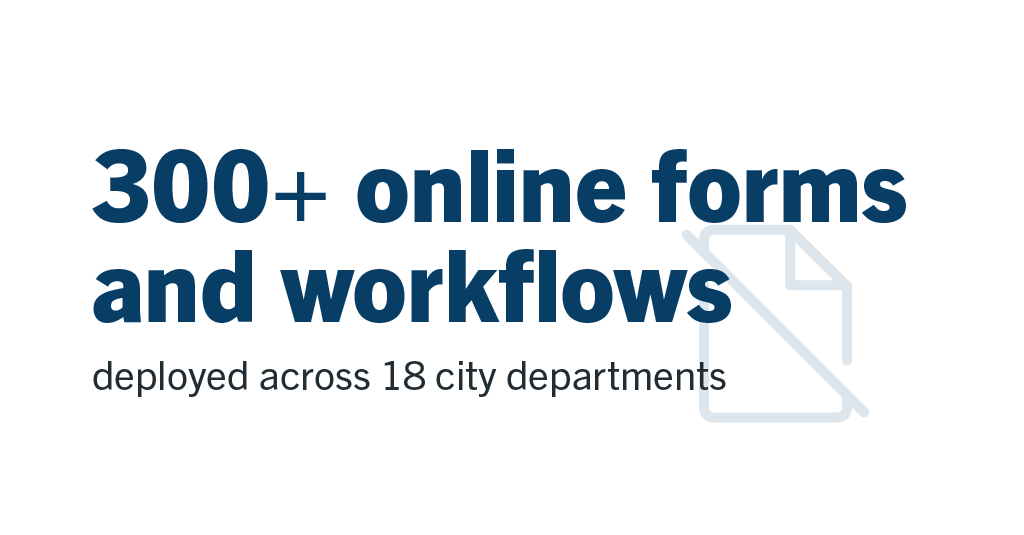
Today, Laserfiche Forms supports more than 300 public-facing forms and workflows across 18 city departments, including water, transportation and environmental services. Residents can start or stop water service, request the correct trash bin size for their household and submit disability-related transportation requests online without having to create an account or visit city offices.
Before Laserfiche, many of these requests depended on paper forms, phone calls or in-person visits during business hours. Incomplete submissions often created additional delays because city staff needed to contact residents for missing information before they could move requests forward. Laserfiche Forms helped solve that issue with guided submissions and built-in validation checks that prevent forms from being submitted without all the required information.
The city also improved consistency across departments by standardizing how employees collect information and move requests through approvals. Instead of relying on paper handoffs, emails or phone calls to check statuses, departments now track requests directly in Laserfiche and quickly identify where action is needed. Employees spend less time tracking down information, which helps them respond to residents more quickly.
“Laserfiche has teams across the city looking at how they can make services easier for residents to access and easier for employees to manage behind the scenes,” said Sudhakar Makham, systems analyst for the City of Tucson.
Accelerating Employee Onboarding and Approvals
Successfully streamlining public-facing processes inspired departments to modernize additional employee-facing workflows. One of the most widely used is the employee badge request process, which every new hire completes before receiving access to city facilities. Previously, employees passed printed paperwork between offices for approvals. Staff waited for signatures before forwarding requests to the next department. Because it involved building access and security clearances, delays slowed onboarding for new employees.
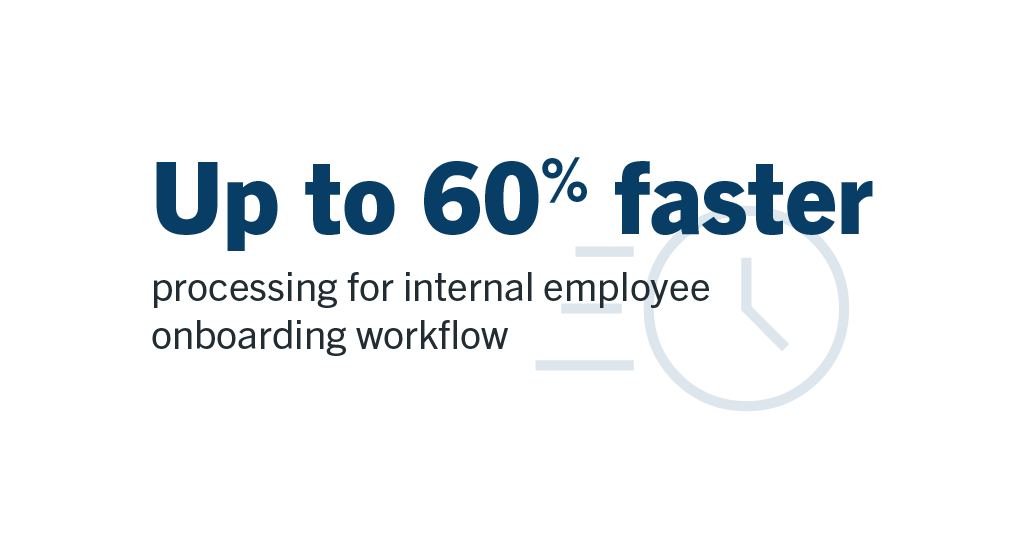
Now, staff simply submit a Laserfiche form that automatically routes approvals through the appropriate departments. The workflow generates tracking numbers, sends notifications and securely moves requests through each approval stage. What once took weeks can now be accomplished in four days — up to 60% faster.
“Laserfiche removed a lot of the manual coordination that used to happen between departments, saving hours of staff time,” said Dissanayake. “Employees no longer physically send secure documents back and forth, and departments can immediately see where requests are in the process. That visibility makes collaboration much easier and helps approvals move faster.”
Accessible Forms for Everyone
Upcoming federal ADA accessibility deadlines further expanded the city’s use of Laserfiche Forms to meet the requirements for its public-facing forms. Laserfiche designs and develops its products with digital accessibility at the forefront, routinely publishing Voluntary Product Accessibility Templates (VPATs) to provide state and local governments with the architectural foundation to build compliant public-facing solutions.
Even with the right tools, however, achieving compliance can be a massive hurdle for local governments. Tucson’s audit and remediation initiative meticulously evaluated the city’s digital assets. Rather than outsourcing the work, the city tapped the custom JavaScript and Cascading Style Sheets (CSS) capabilities within Laserfiche Forms to achieve compliance. For example, one issue involved browser tabs displaying generic form titles such as “New Submission,” which created confusion for residents using screen readers to navigate multiple forms. Using Laserfiche Forms customization capabilities, the city developed a solution that dynamically updated form titles to improve screen reader navigation and usability.
The team applied these tailored structural improvements across hundreds of forms through a structured rollout process. By utilizing Laserfiche’s robust, developer-friendly architecture, Tucson successfully turned a strict regulatory mandate into a community asset. In addition to strengthening accessibility and usability for residents, the initiative reduced long-term maintenance costs and circumvented the need to invest in additional software.
Expanding Innovation Across the City
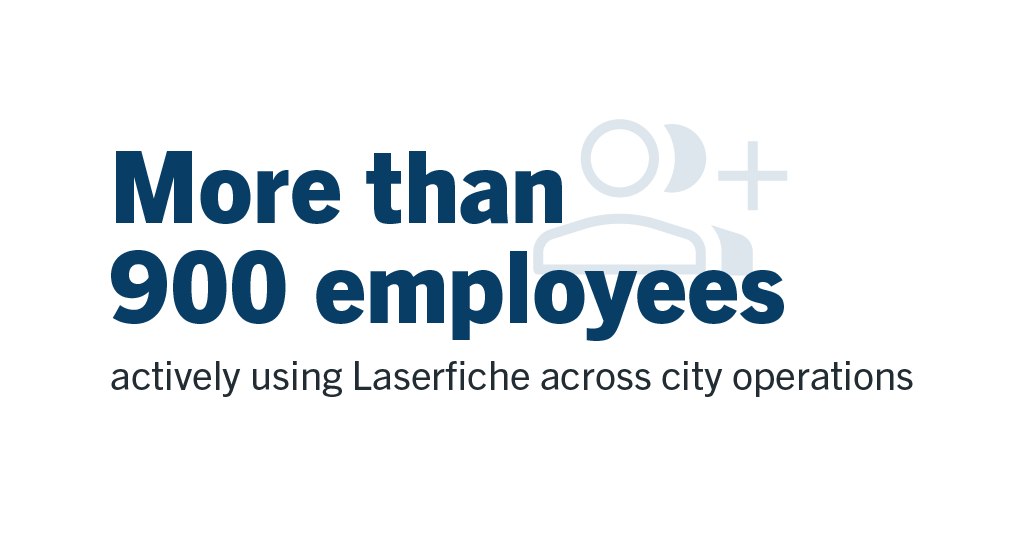
The City of Tucson has come a long way since officials worried about the physical weight of paper files. Today, more than 900 employees across departments actively use Laserfiche for forms and approvals.
“We regularly get requests from departments that want to replicate what another team is doing with Laserfiche,” said Makham. “Once our colleagues see how much faster and easier the process becomes, they start looking for other workflows they can improve.”
The platform’s usability also makes it easier for the city to train employees with a wide range of technical experience. “Employees with very different backgrounds learn Laserfiche quickly,” said Dissanayake. “Laserfiche is intuitive, which makes it much easier for departments to adopt new workflows and manage them confidently.”
A case in point is Makham himself, who joined the city with no previous Laserfiche experience, learned the platform through Laserfiche Aspire training resources and is now a certified Laserfiche developer.
“Technology works best when it makes life easier for people,” said Dissanayake. “That’s what Laserfiche did for city residents and employees alike.”
Our July updates make it easier to give AI the right context, complete forms on the go and manage repository information through expanded API capabilities. Discover what’s new in Laserfiche Cloud this month, including updates to Smart Chat and Laserfiche AI Agents, Android availability for the new Laserfiche Forms mobile app and new Repository API V2 enhancements.
Give Smart Chat and Laserfiche AI Agents the Right Context
Smart Chat and Laserfiche AI Agents work best when they have the right context: the documents, folders, search results or collections relevant to your question or requested action. With this release, we’re making that context easier to provide and easier to verify.
Previously, Smart Chat and AI Agents only used the repository entries that you explicitly selected. Now, when no entries are selected, they automatically use the content in your current repository view as context. This means you can ask questions or prompt actions based on what you’re already looking at, whether that’s a folder, search results, a personal collection or a default collection such as Recent Documents.
You still control the scope. To focus on a narrower set of content, simply select the specific documents, folders or collections you want to include. Explicit selections always take precedence, so Smart Chat and AI Agents will use only your selected sources and ignore everything else.
We’ve also added a new selected sources badge that shows what repository content is currently in scope. The badge may display selected folders, documents or personal collections, or, when nothing is selected, a count of the entries in your current view.
Together, these updates reduce setup time, clarify what content Smart Chat can reference and what AI Agents may act upon, and help users confidently transition from finding the right content to putting it to work.
Tip: Collections let you group related documents from across the repository into a reusable source of AI context. Open a collection and Smart Chat or AI Agents can use its contents automatically. Watch the video above to learn more about using collections.
Laserfiche Forms Mobile App Now Available on Android
The new Laserfiche Forms mobile app is now available to both iOS and Android users.
With the new app, you can securely manage your tasks and complete digital forms from anywhere. View all the tasks assigned to you, update key details like due dates and priority, reassign tasks to another user or team or complete your tasks directly from the app.
You can also launch, complete and submit forms on the go, with a mobile-friendly experience that supports image attachments directly from your device.
Download the new app today by searching for Laserfiche Forms in the App Store or on Google Play.
Repository API V2 Update
This update gives repository administrators more ways to configure repositories and discover document information through the Laserfiche API. Administrators can now manage metadata fields, list values and templates, including template field layout, with safeguards for higher-risk changes. The update also adds document size and folder child-count details to support storage reporting.
Organizations can now seamlessly procure Laserfiche document management to support and scale information governance and workflow automation.
LONG BEACH, CALIFORNIA, June 2, 2026 — Laserfiche — the leading SaaS provider of intelligent content management — has partnered with AWS to make Laserfiche available through AWS Marketplace. This collaboration enables AWS customers to seamlessly procure Laserfiche’s document management platform to manage content, automate workflows and implement agentic AI capabilities.
“We’re excited about this evolution of our long-standing partnership with AWS,” said Thomas Phelps, Laserfiche senior vice president of corporate strategy and CIO. “AWS Marketplace provides a near-frictionless experience for Laserfiche direct customers who want to accept negotiated private offers, manage billing and payment history, and apply eligible purchases toward their AWS Enterprise Discount Program (EDP) commitments — all through their centralized AWS account.”
Laserfiche provides document lifecycle management, information governance and workflow automation tools on a platform that earned multiple Champion awards from Info-Tech Research Group. Laserfiche AI features include automatic metadata extraction, document summarization, chat and agentic capabilities.
“Within two weeks of requesting the ability to procure Laserfiche Cloud through AWS Marketplace, Laserfiche confirmed its availability on the marketplace,” said Bianca Lochner, Ph.D., City of Scottsdale CIO. “We appreciate Laserfiche’s swift execution and anticipation of our needs as our business partner.”
“We are thrilled to welcome Laserfiche to AWS Marketplace,” said Carol Potts, AWS General Manager of US ISV Sales. “Organizations in highly regulated industries can now adopt Laserfiche’s intelligent content management and agentic AI capabilities to quickly automate how they organize, govern, and act on critical information at scale. Enabling access to these innovations is how we help customers transform the way they work.”
To learn more, explore AWS Marketplace.
About Laserfiche
Laserfiche is a leading enterprise platform for document management and content-centric workflow automation. Through scalable workflows, forms, no-code templates and AI-enabled capture, the Laserfiche® platform accelerates how business gets done.
Laserfiche pioneered the paperless office with enterprise content management. Today, Laserfiche’s cloud-first development approach incorporates innovations in machine learning and AI to enable organizations globally to transform into digital businesses. Customers in every industry — including government, education, financial services, healthcare and manufacturing — use Laserfiche to boost productivity, scale their business and deliver digital-first customer experiences.
Laserfiche employees are committed to the company’s vision of empowering customers and inspiring people to reimagine how technology can transform lives.
Create your first electronic form and process in this hands-on lab!
Perfect for anyone new to Laserfiche and automation, this session will show how you can use Laserfiche to increase efficiency and streamline work with electronic forms and automated processes. With Laserfiche Forms and Business Processes you can reimagine and automate tedious, time-consuming processes to regain time for your organization. This course will teach you how to:
Build an easy-to-use electronic form to standardize information
Route form information to the correct reviewer
Automate tedious tasks like sending emails and saving attachments
Leverage your Laserfiche Forms and Workflow knowledge to expand your process automation capabilities and reimagine your organization’s processes. Gain practical knowledge to help you identify which features to use and how to successfully connect them in your solutions. This course will teach you how to:
Identify processes to streamline by connecting Laserfiche tools
Connect Laserfiche Forms and Workflow using activities like Workflow Service Tasks and Retrieve Business Process Variables
Pass information efficiently between tools to create a seamless user experience.
Leverage your Business Process and Workflow knowledge to expand your process automation capabilities and reimagine your organization’s processes. Gain practical knowledge to help you identify which features to use and how to successfully connect them in your solutions. This course will teach you how to:
Identify processes to streamline by connecting Laserfiche tools
Connect Business Processes and Workflows using input and output parameters
Pass information efficiently between tools to create a seamless user experience
The new LFForm object let’s you expand what’s possible in your processes!
This hands-on look at coding in Laserfiche Forms and Business Processes will introduce you to the new LFForm object to help standardize JavaScript and customizations in your forms. You’ll see how to implement common use cases such as changing colors and styles, copying information between fields, and validating field input. This course will teach you how to:
Identify when to use CSS or JavaScript within a form
Customize the look and feel of your form using CSS
Modify form function and behavior with JavaScript and the LFForm object
Get started tracking and auditing in Laserfiche! Many organizations require particular actions taken in Laserfiche to be tracked for auditing purposes and Laserfiche’s Audit Trail tool lets you easily report on these actions. In this hands-on lab, you’ll see how to:
Understand the purpose of auditing within Laserfiche
Configure which events and actions are tracked in your Laserfiche system
Set up and share reports so administrators can review what actions have been taken on particular entries